Bookwheel
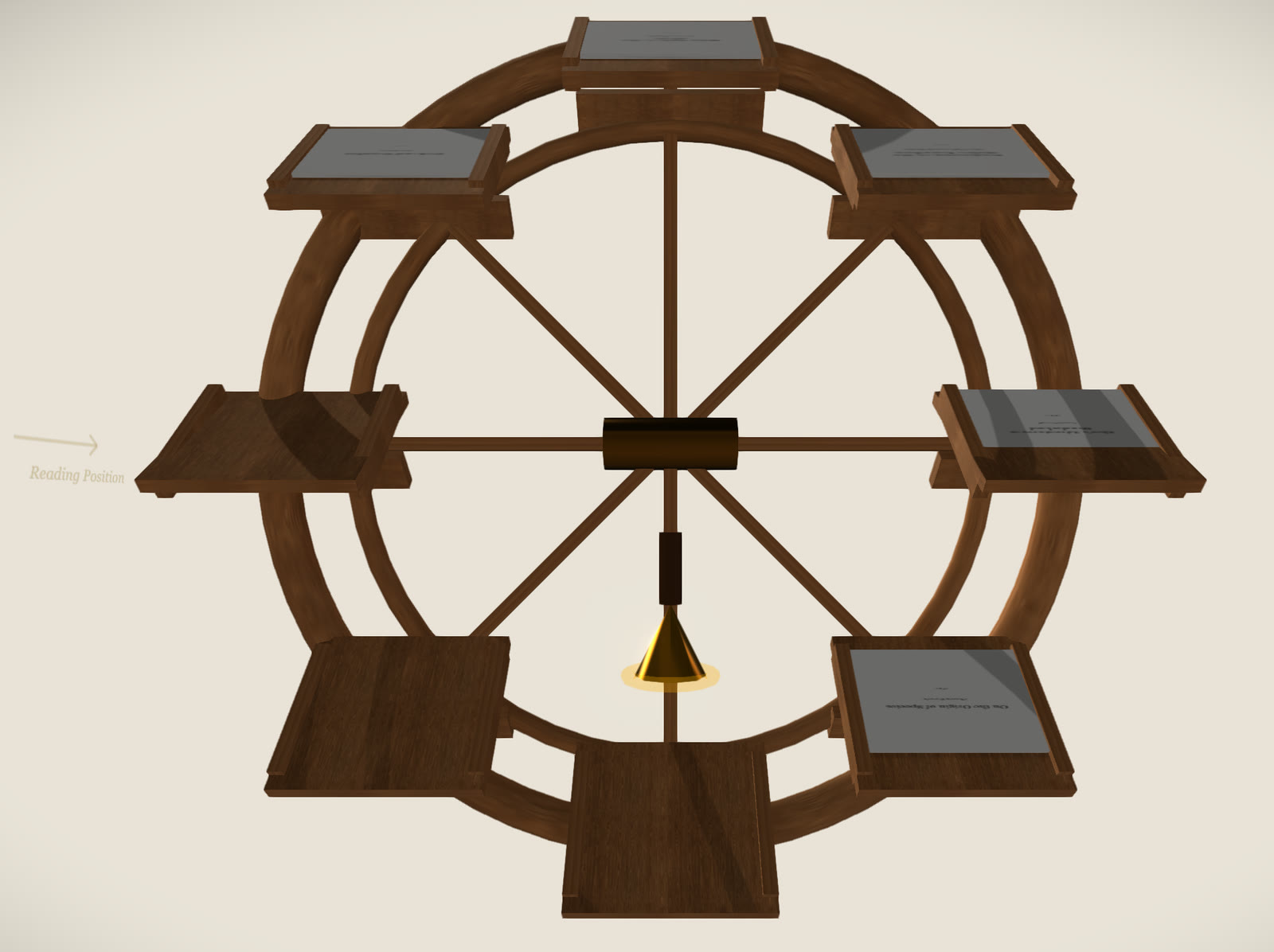
Bookwheel is a PDF reader shaped like a Renaissance bookwheel. You drag PDFs from your computer onto the eight lecterns of a wooden wheel, then turn the wheel to bring a book round to the reading position, where it opens beside the wheel. The files are opened in your browser and are not uploaded.
Free. Works in a desktop browser with a mouse.
Add books
The wheel has eight lecterns. To add a book, drag a PDF file from your computer onto the page. If you hold it over an empty lectern, a gold arrow appears above that lectern and the book is placed there. If you drop it anywhere else, it goes on the next empty lectern. You can drop several PDFs at once, and files of other types are ignored.
Each book shows the first page of its PDF as its cover. When all eight lecterns are full, the site shows a message that the wheel is full. There is no button to remove a book, so reloading the page is the way to empty the wheel.
Turn the wheel
You turn the wheel by pressing on it and dragging round in a circle. When you let go, it keeps turning for a moment and slows to a stop. The scroll wheel on your mouse or trackpad turns it as well. The lecterns stay level as the wheel goes round.
Read a book
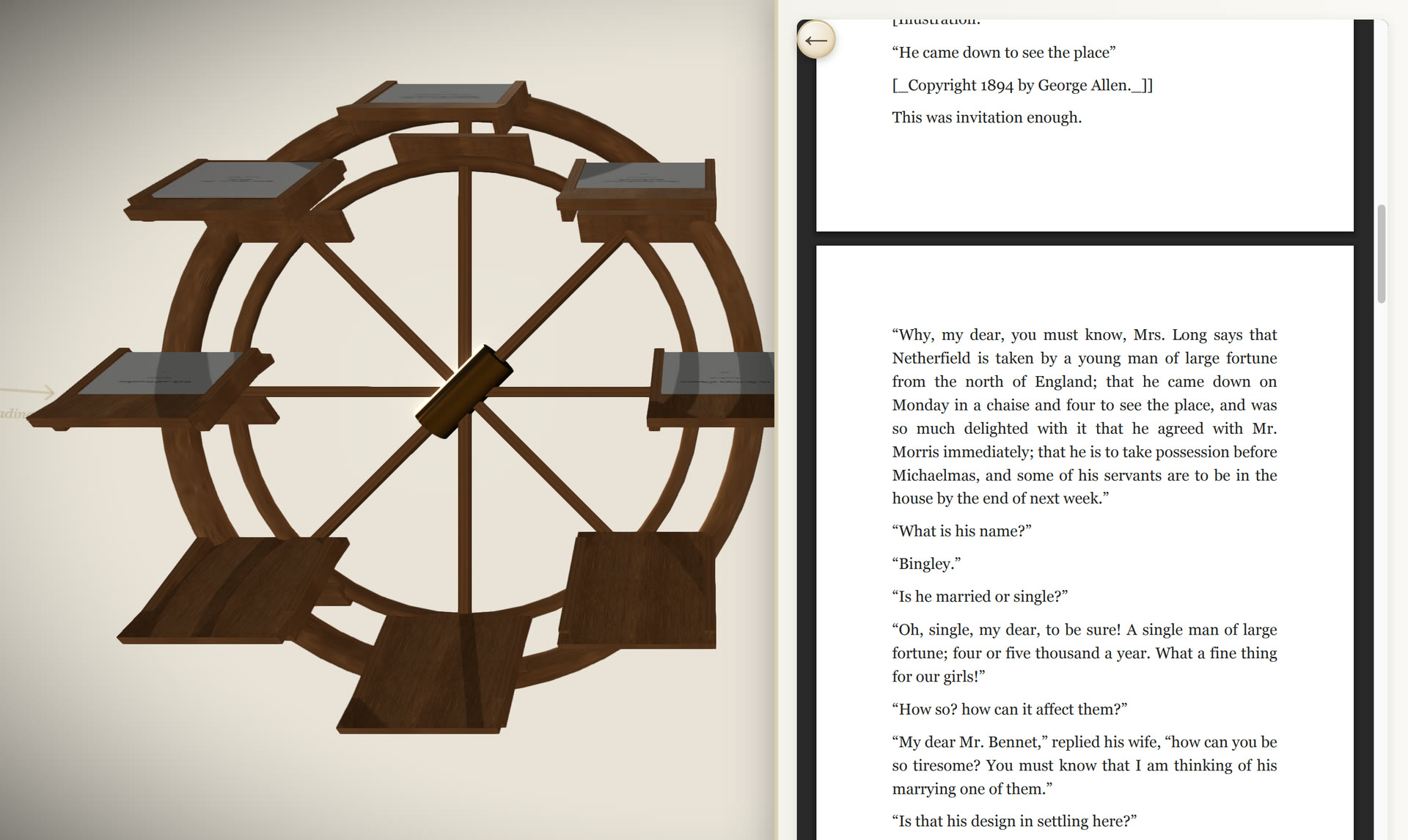
The lectern on the left of the wheel is labelled Reading Position. When a book reaches it, the view moves to the left and a panel slides in from the right with the PDF open in your browser’s own PDF viewer. You scroll through the pages in that panel.
Turning the next book into the reading position replaces the open book with that one. Turning an empty lectern into the position closes the panel, and the arrow button at the top of the panel closes it too.
Where your files go
PDFs are opened inside your browser and are not sent to a server. The site does not save them either, so the wheel is empty again each time you open or reload the page.
Bookwheel needs a computer with a mouse or trackpad. On a phone or tablet, the site shows a Desktop Only message instead of the wheel.
Ramelli’s bookwheel
The Italian engineer Agostino Ramelli published a design for a bookwheel in his 1588 book Le diverse et artificiose machine. Its shelves are geared so that they stay level as the wheel turns, and a reader can move between several large books without leaving the chair. The wheel on this site has the same layout: books on level shelves around a vertical wheel, read from one fixed position.
More playground
All playground →